Project Reflection Assignment

Collect came up because I love planning events and rarely have enough space to do so. I wanted to create a kind of guide that would help people plan more events in their area while using outdoor spaces. When I was developing the different material for Collect I had the most difficulty with the logo portion and Illustrator so I knew that there was the most room for improvement here.

I love the logo I created. I think the circle is communicative of coming together and the Sad Diego skyline makes it obviously its outside and San Diego. I wanted the logo to be more versatile than the bluish one I created and I also wanted a version of it I could use over my film in Premiere. 
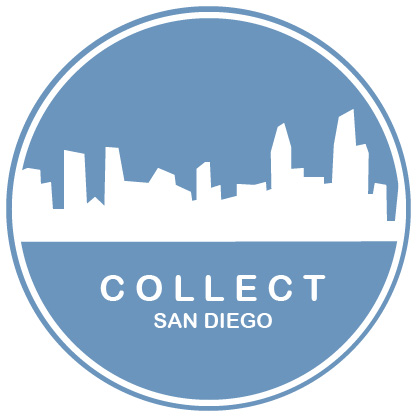
Firstly, I reversed the stroke. So that it was more of just a clean line around the circle. I used the magic wand tool to remove the background of the circle and deleted the other purple ellipse layer. Then changed the logo to a pure white. To make sure I had created clean lines I exported this image for use over the photo you see below in photoshop and I also used the logo in my final video story. I was pretty proud of that. Building it from scratch and then using in a different project was cool.
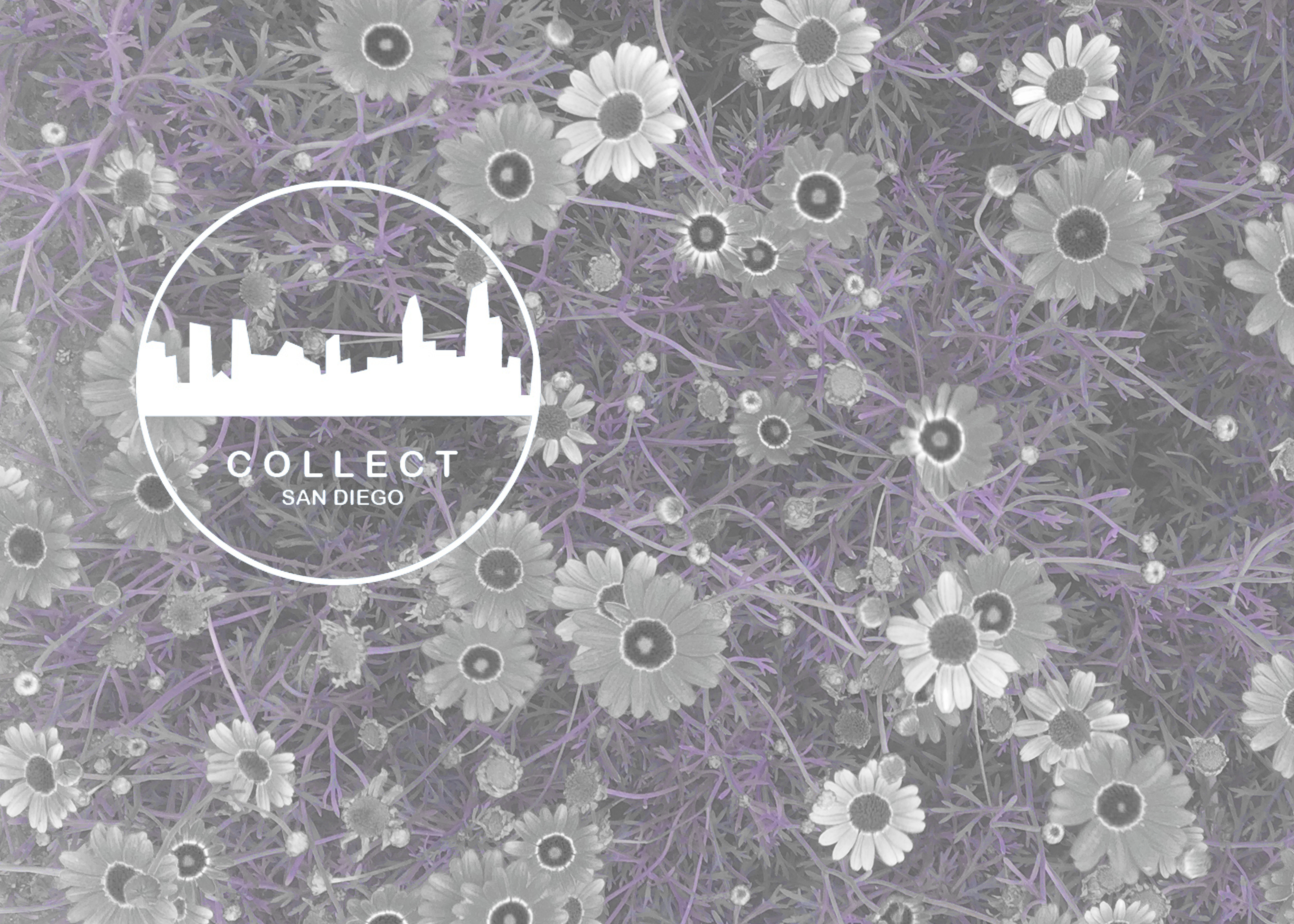
I think this logo could be used for a variety of professional projects from fliers to videos to shirts or bags. I think all of those things would also be great ways to reach the audience, which is women from 25-35. I think the logo is fitting for a younger and modern audience because it has a clean aesthetic.

Overall, I have LOVED this course and learned so much about these fun programs!

Final Video Story

This image has an empty alt attribute; its file name is img_5629.jpg

For the final Premiere video project I settled on the idea of hosting a picnic as a kind of promotional video for Collect since it’s all about gathering creatively in your area. I thought for a bit about doing a how-to video, but felt like I’d already covered that with the audio story and so wanted to focus on visually telling the story of a picnic as a commercial for Collect. I envision this video on the main webpage or Facebook group for Collect.

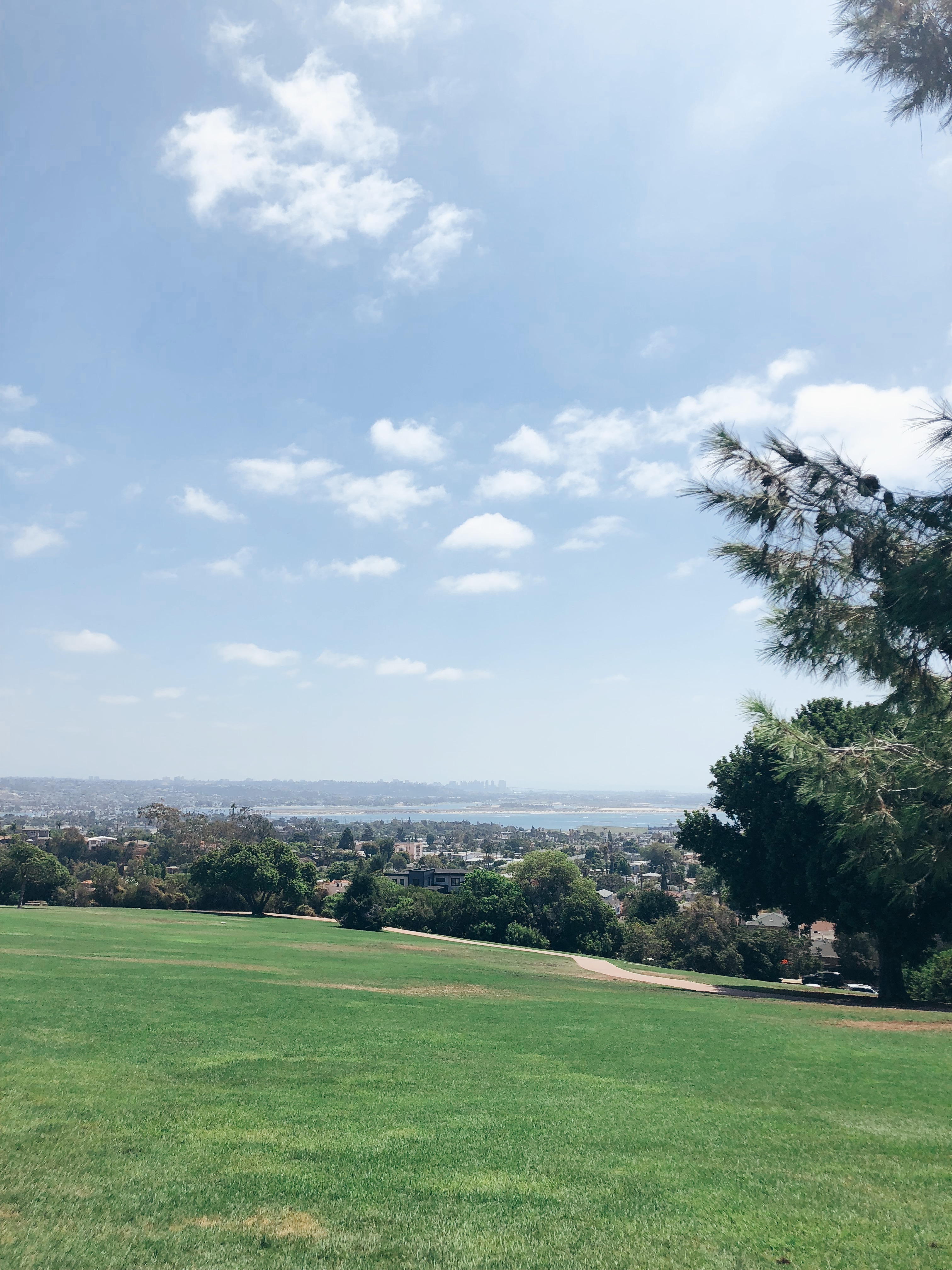
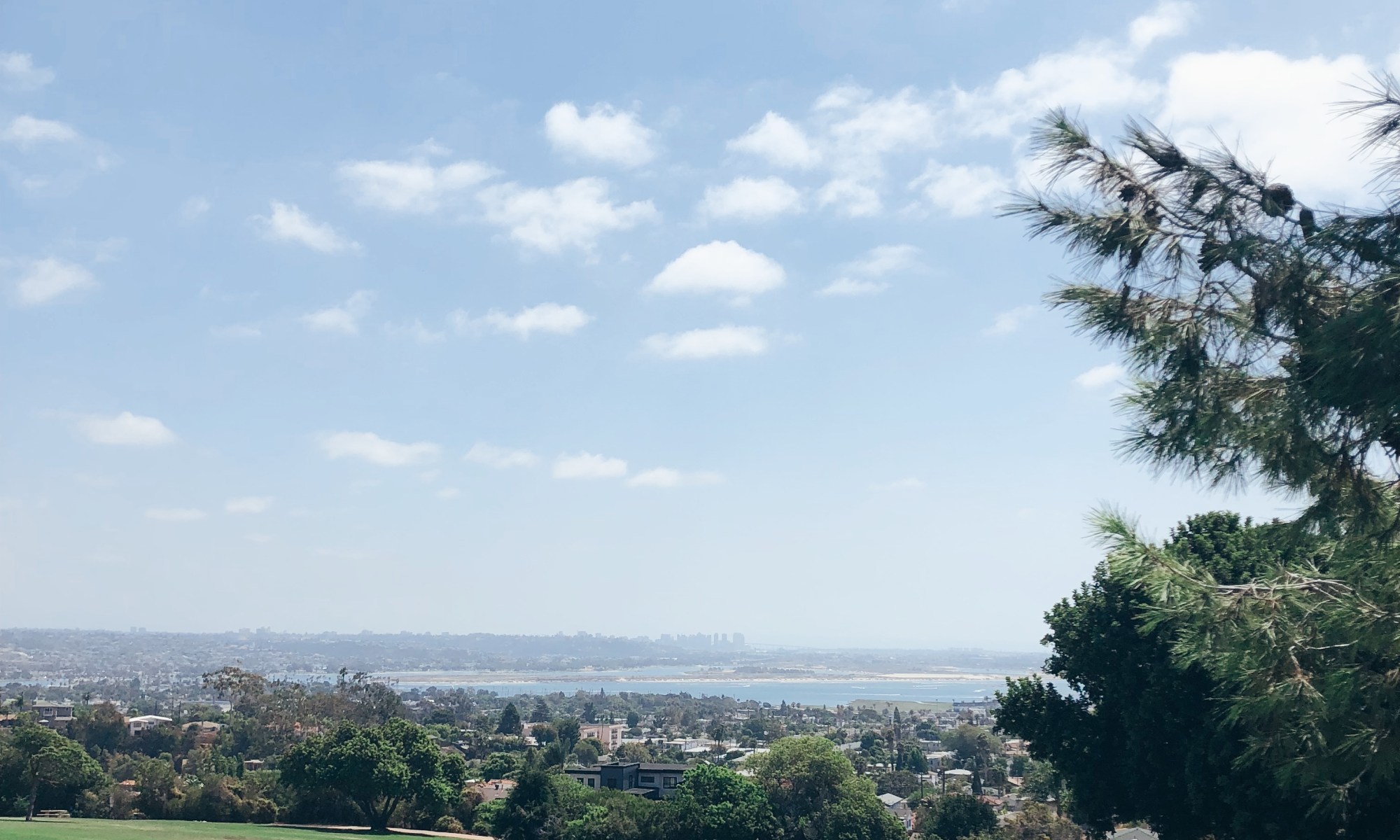
I knew exactly the park I wanted to host it at. It’s this great park called Kate O. Sessions that looks out over all of San Diego and has a great view of the city skyline. I figured this was fitting because of the logo that I designed for the Illustrator portion of this class. Once I settled on location I reached out to Reed and Rye (who I interviewed for my audio story) to see if she wanted to design the picnic. She was in! Next, I reached out to a friend currently in school for Peace and Justice to see if she wanted to give a sort of TED Talk to give our event some extra substance.

This image has an empty alt attribute; its file name is img_6025.jpg

Once we nailed down the logistics, we arrived early last Sunday to set up. I neglected to create a shot list prior to and tremendously regret it because once we got set up and people started arriving it was hard to stay focused. Turns out it’s really hard to film an event you are in fact attending.

Edit image

For filming, I used a mixture of my cellphone and my Canon DSLR. I knew I wanted lots of close ups of the food spread and tons of footage of my friends. The shots were harder to get than I planned for. I am very shaky filming even when I try to keep the camera and my elbows close. A lot of the footage I gathered was too shaky or quick to use. I needed to remind myself to slow down and stop filming vertically!!

To begin the actual editing process I loaded up all my clips into Premiere and made smaller clips to fit into my sequence. The clips I originally had sequenced without the other park shots I gathered this week. The music I have attached was found on SoundCloud. It is called Positive Ukulele by Sokolovsky Music. I chose this music because of its positive relaxed vibe just like our picnic.

To start the final edits this week, I returned to the park for the establishing shots and more shots of the park’s amazing views. Next I went into Illustrator to edit my logo to a white and see through version of my original logo. I placed this logo over the beginning and the end of the film and used film dissolve transitions. I then incorporated the rest of the park footage and added transitions in between each of the clips. I tried to used transitions that would make the choppy bits flow a bit better. I got some feedback on them being out of focus and too quick. I still so regret not filming the picnic aspects better, but I had to work with the footage I had. I couldn’t reshoot the whole picnic. 😉 Next I had the music fade out at the end. On order to incorporate more of the feedback I received, I did add a line at the beginning to incorporate more of an “about”, but to me it looked busy so I removed it. I recognize this video does not have a voice over, but I feel the video itself accurately articulates that Collect is about “gathering creatively”. Additionally, it will make a great welcome to our webpage. Hope you enjoy! 🙂

TimestampVisualsAudio
0:00Close up of tree then pan to skyMusic begins
0:01Collect Logo fades inMusic continues
0:04Collect Logo Fades outMusic continues
0:05City skylineMusic continues
0:09Close up picnic shot panning to friends circledMusic continues
0:20Close up of foodMusic continues
0:22Park wide shotMusic continues
0:24Jess in foreground smiling others in back Music continues
0:28Tree shot panning to branchesMusic continues
0:33Close up shot of picnicMusic continues
0:37Wide shot of groupMusic continues
0:40Picnic closeupMusic continues
0:46Wide shot of park framed by branchMusic continues
0:49Medium shot of opposite side of groupMusic continues
0:53Picnic close upMusic continues
0:55Lower angle shot of group from belowMusic continues
1:01Picnic close upMusic continues
1:03Smile close up shotMusic continues
1:06Grass foreground scenic shotMusic continues
1:08Collect logo fades inMusic continues
1:11Collect logo fades outMusic continues
1:14Grass foreground scenic shot fades outMusic fades

Draft Video Story

Picnic invite!

This week’s draft is truly a rough draft! I started out last weekend gathering footage, but a few weeks prior to that I settled on the idea of hosting a picnic as a kind of promotional video for Collect since it’s all about gathering creatively in your area. I thought for a bit about doing a how-to video, but felt like I’d already covered that with the audio story and so wanted to focus on visually telling the story of a picnic as a commercial for Collect.

I knew exactly the park I wanted to host it at. It’s this great park called Kate O. Sessions that looks out over all of San Diego and has a great view of the city skyline. I figured this was fitting because of the logo that I designed for the Illustrator portion of this class. Once I settled on location I reached out to Reed and Rye (who I interviewed for my audio story) to see if she wanted to design the picnic. She was in! Next, I reached out to a friend currently in school for Peace and Justice to see if she wanted to give a sort of TED Talk to give our event some extra substance.

Kate O. Sessions Park

Once we nailed down the logistics, we arrived early last Sunday to set up. I neglected to create a shot list prior to and tremendously regret it because once we got set up and people started arriving it was hard to stay focused. Turns out it’s really hard to film an event you are in fact attending.

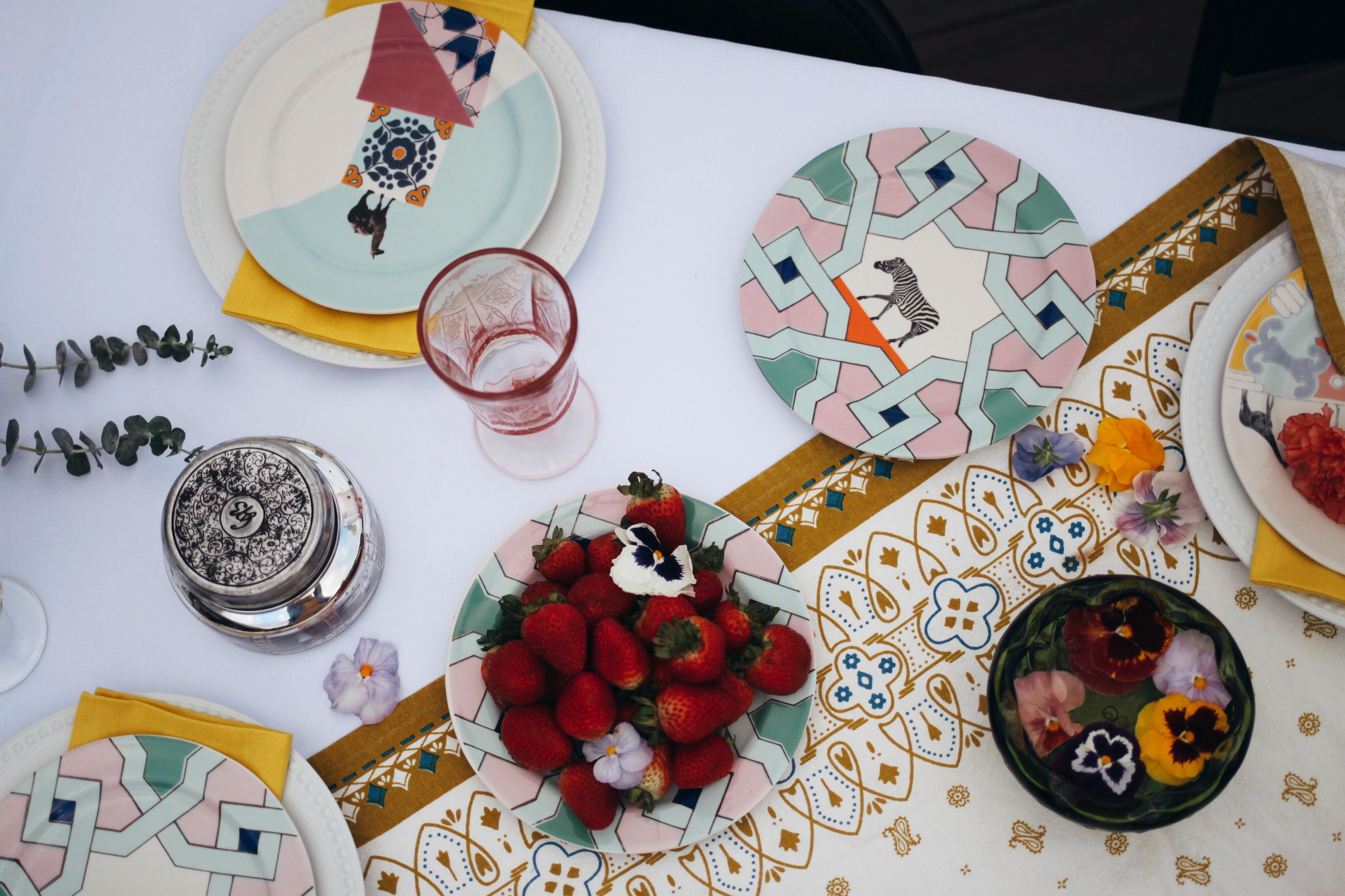
Yes, I made those waffles, but the rest was styled by Reed&Rye.

For filming, I used a mixture of my cellphone and my Canon DSLR. I knew I wanted lots of close ups of the food spread and tons of footage of my friends. The shots were harder to get than I planned for. I am very shaking filming even when I try to keep the camera and my elbows close. A lot of the footage I gathered was too shaky or quick to use. I needed to remind myself to slow down and stop filming vertically!!

I was able to get some usable footage that you will see in the video below, but please note that I will need to return to the park for the establishing shots and more shots of the parks amazing views. I have attached a Shot List reflecting this that you can reference. I have not inserted transitions or titles yet because I want to see how the park footage I gather tomorrow turns out. I should be able to take my time and move slowly. 

To begin the actual editing process I loaded up all my clips into Premiere and made smaller clips to fit into my sequence. I then had a MILD PANIC ATTACK when I thought I deleted them all. Turns out Premiere doesn’t like it when you delete clips from your computer. The clips I currently have sequenced are sequenced as best I could without the other park shots (see shot list). I still need to add transitions, and the title and end credits. I think it would be a really cool thing to have the Collect logo fade out and have the city skyline underneath right at the beginning. I am going to play around with that. The music I have attached now will be the final music and I found it on SoundCloud. It is called Positive Ukulele by Sokolovsky Music. I chose this music because of its positive relaxed vibe just like our picnic. I anticipate the final video to be around a minute long.

TimeVisualsAudio
0:00-
4.00
Establishing shot of park with San Diego skyline in the back ground fades in. Titles and Collect logo appear in white textMusic
fades
in
4.00-
6.00
Panning shot to location of picnicMusic
6.00-
13.00
Detail shot of picnic set up (hand moving items to prep).Music
13.00-20.00Group panning shot (circle formation)Music
20.00-25.00Close up on all elements of picnicMusic
25.00-30.00Group shot from behindMusic
30.00-33.00Picnic shot of greensMusic
33.00-39.00Picnic detail shotMusic
39.00-43.00People shot from zoomed out above angleMusic
43.00-47.00Picnic detail shotMusic 
47.00-51.00Close up of guest smiling/direct eye contact with cameraMusic
51.00-54.00Panning shot back to original viewMusic
54.00-60.00Back to San Diego city skyline and end creditsMusic fades
out
You will want to read my post before watching the film. The writeup fills in portions not yet filmed.

Final Audio Story

Hi there! This unit is about using Audition to create audio stories. I decided to do an interview that focused on event hosting for my audio story. I did this because Collect is all about inspiring people to gather creatively in their area. Not only do I want to host events, but I want to give people resources to plan their own! 

I chose an interview format because of the conversational nature of it and because I like things that are relatively straight forward when providing information. I also really appreciate list Podcasts where you are going through a list of key points or lessons. I ruled out something in the list format so I could get others involved.

I started off by drafting a couple questions centered around the idea of what makes a great event. I then asked two of my friends to meet downtown at You and Yours distillery to talk all things event planning. My friend Erica has been in the hospitality industry for over 10 years and my friend Ashley just started a design inspiration Instagram called Reed and Rye. Check out her stuff for some crazy decor inspo!

When we arrived at the venue it was relatively quiet, but that quickly changed and so we actually wound up recording the interview in my car just outside. I used one of the pro tips from the readings and recorded about a minute of ambient noise for the background before we headed out. The rest of the audio I recorded in my living room. Check out the below for the walk though of my technical process.

  • I used my iPhone for all recordings
  • I interviewed Ashley and Erica separately in my car and was then able to upload their tracks individually and then edit out me asking the questions.
  • I then recorded a sound bite all together with both of them thanking them to get a natural organic ending to the recording sesh.
  • I created a muti-track session in Audition and uploaded all these pieces included the rerecorded bits of me in my living room asking questions.
  • The ambient noise fades in after my introduction to the interview and fades out at the end of the session.
  • I begin the audio clip with an intro I recorded at a later date in my living room.
  • Once all 5 tracks (Ashley, Erica, Me, Conclusion, Ambient noise) were uploaded I began to hack away. The goal was to act as if they were both answering the same questions at the same time. Each of their individual interviews was about 3 minutes in length so I razored a lot out.
  • I added the intro at the beginning, edited the middle portion of them answering my spliced in questions, and then added in the reordered conclusion portion we recorded all together. All of this was layered over the ambient noise.

After received some substantial feedback last week I decided to make the below edits to my story:

  • The first thing I did was remove the question related to San Diego Parks. I received multiple feedback suggestions that it seemed out of place with the rest of the story. I agree for this specific topic/podcast because I imagine it being listened to by people not in San Diego
  • Secondly, I was asked by a few folks to add music. It was hard to find a free one that I was very keen on, but I finally selected a track from https://freemusicarchive.org . It is a track called Bless Life by Ketsa. I added this music for the intro and conclusion and included a fade in and out.
  • Since I added the music and because multiple people suggested the ambient noise was distracting, I removed that track.
  • Next I re-recorded the intro to give more of a back story to the interview. This included setting it up more up as a podcast and communicating more of how it was related to Collect. I also added a sort of sign off to make the ending more formal.
  • To clean up the overall sound I used the de-noise and de-hum features. They didn’t work well on every clip, so I see the importance of getting good audio from the get go, much like getting a good photo from the get go for Photoshop.
  • Finally, I played extensively with the volume levels for each clip hoping to get them as close as I could to uniform.

I really hope you enjoy the interview with the new additions! 🙂

Draft Audio Story

Image provided by Reed & Rye

Hi there! This week’s blog post is about using Audition to create audio stories. I decided to do an interview that focused on event hosting for my audio story. I did this because Collect is all about inspiring people to gather creatively in their area. Not only do I want to host events, but I want to give people resources to plan their own!

I chose an interview format because of the conversational nature of it and because I like things that are relatively straight forward when providing information. I also really appreciate list Podcasts where you are going through a list of key points or lessons. I ruled out something in the list format so I could get others involved.

I started off by drafting a couple questions centered around the idea of what makes a great event. I then asked two of my friends to meet downtown at You and Yours distillery to talk all things event planning. My friend Erica has been in the hospitality industry for over 10 years and my friend Ashley just started a design inspiration Instagram called Reed and Rye. Check out her stuff for some crazy decor inspo!

You & Yours Distillery in downtown San Diego

When we arrived at the venue it was relatively quiet, but that quickly changed and so we actually wound up recording the interview in my car just outside. I used one of the pro tips from the readings and recorded about a minute of ambient noise for the background before we headed out. The rest of the audio I recorded in my living room. Check out the below for the walk though of my technical process.

  • I used my iPhone for all recordings
  • I interviewed Ashley and Erica separately in my car and was then able to upload their tracks individually and then edit out me asking the questions.
  • I then recorded a sound bite all together with both of them thanking them to get a natural organic ending to the recording sesh.
  • I created a muti-track session in Audition and uploaded all these pieces included the rerecorded bits of me in my living room asking questions.
  • The ambient noise fades in after my introduction to the interview and fades out at the end of the session.
  • I begin the audio clip with an intro I recorded at a later date in my living room.
  • Once all 5 tracks (Ashley, Erica, Me, Conclusion, Ambient noise) were uploaded I began to hack away. The goal was to act as if they were both answering the same questions at the same time. Each of their individual interviews was about 3 minutes in length so I razored a lot out.
  • I added the intro at the beginning, edited the middle portion of them answering my spliced in questions, and then added in the reordered conclusion portion we recorded all together. All of this was layered over the ambient noise.

I hit the 3 minute mark exactly and it was hard to edit it down to that. I would’ve liked to add a bit of music at the beginning and end and maybe a more formal ending instead of just the laughter and then fade. I might consider editing out the parks question to gain some extra time. Give it a listen and let me know what you think, Enjoy! 🙂

https://soundcloud.com/user-198866600/draft-audio-story-mixdown

Final Illustrator Logo

I’ve was very inspired by the clean designs in our readings when I began my original draft. I went through some great brainstorming and watercoloring sketching time. Eventually, I decided on a circle for Collect because I believe that circles are evocative of a group coming together. I knew I also wanted an element that was uniquely San Diego so I used the skyline. I originally wanted to go with the blueish color that you see in my photoshop design, but fell in love with the purple you see in my initial draft.

I wound up eventually using the blue featured in this design for my final logo.

I began my initial draft with a simple circle and added a white stroke to it. I then layered this over a larger purple circle of the same hue. This formed the base layer of my logo. For the next part, I opened the photo from my Photoshop design of the San Diego skyline and traced it with the pen tool and then filled it in with an off-white color and created a new image. After I saved the simple white skyline, I input it into the circle. I then used the eraser tool to crop it because it was a bit long. The final thing I added to the design was the name.

My initial draft logo

Coming back to this design after feedback I still really liked it, but wanted to incorporate some of the changes suggested. The first thing I attempted was adding depth by placing a drop shadow behind the city and removing one of the outer rings. I ultimately decided I didn’t like the look of it for the style of Collect. I recognize that may be a personal preference though because a few of my friends like the below better.

A draft version of the logo featuring a drop shadow for depth

Once I decided against the above design, I started again with my initial draft and the feedback I received. I went in and added the text” San Diego” so that people would know it was local to this area. I thought that was an excellent suggestion. I think it also provides a great format, if I want to expand Collect to other cities. I centered the text as well. The off-centered text was pointed out to me by a few people and I’m not really sure what I was going for with it off-center in the initial draft.

Finally, I then changed all of the lighter shades to the same white so I could more cleanly merge the skyline into the outer white circle. Then I decided to change the purple color to the original blue shade of the Photoshop design so there would be more unity amongst the products and more branding. I did this using the hex code. Overall, I love the simplicity of the design and could see it on a variety of products, invites, and other merchandise. Hope you like it! 🙂

Draft Logo Design

I began my research into this design by watching the assigned videos. It was super cool to watch Aaron Draplin and Jessica Hische. I had no idea that Jessica had developed the Tilda font that’s on The Moonrise Kingdom poster. I actually have the poster above my bed! I loved the cleanness of Aaron’s designs and his commitment to researching older logos. I actually started following him on Instagram because of the videos and have been super inspired.

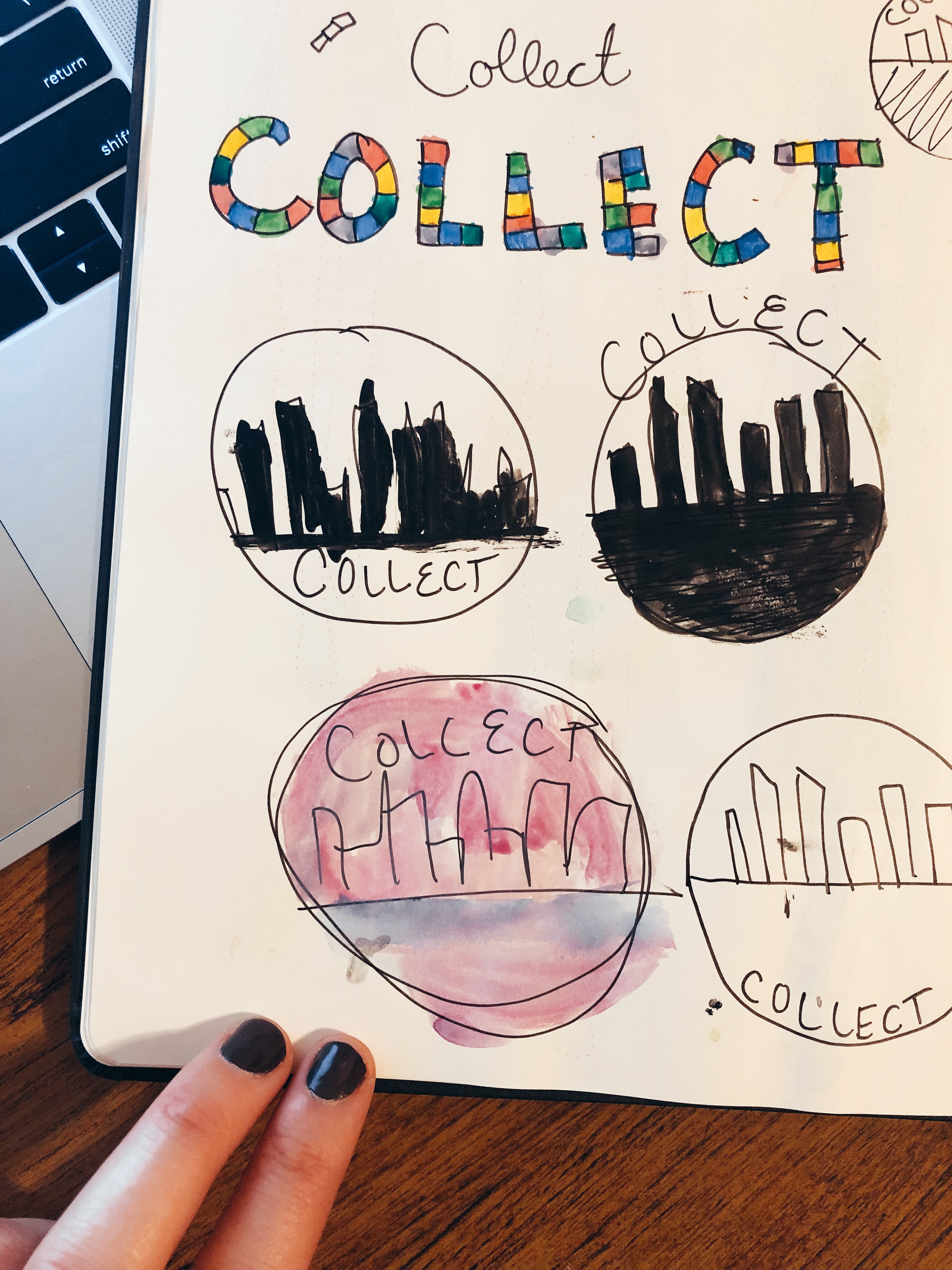
The first step I took was one Aaron suggested. I began by sketching and using my water colors to go through a couple ideas. Originally, I was thinking of the word Collect in a mosaic fashion. I was thinking the mosaic could represent the collection of people and diversity of activities that are apart of Collect. I finally settled on a circle for the Collect logo. 

My crude sketches.

I decided on a circle for Collect because I believe that circles are evocative of a group coming together. I knew I also wanted an element that was uniquely San Diego. I originally wanted to go with the blueish color that you see in my photoshop design, but fell in love with the purple hue by mistake.

I really struggled with Illustrator more than Photoshop so I was apprehensive as I began my draft. I began with a simple circle and added a white stroke to it. I then layered this over a larger purple circle of the same hue. This formed the base layer of my logo.

For the next part, I opened the photo from my Photoshop design of the San Diego skyline and traced it with the pen tool and then filled it in with an off-white color and created a new image. It’s still not clear to me if this meets the requirements, but after I saved the simple white skyline, I input it into the circle. I then used the eraser tool to crop it because it was a bit long.

The final thing I added to the design was the name. I considered warping the text, but decided the juxtaposition of the straight text to the circle was something I wanted. I also made sure it was the same font as the previous design I created to maintain unity.

As I move into the feedback cycle, I am considering a few things. I would really like to add more depth and am up for suggestions there. I was also strongly considering a different font. I would love to hear more on the city scape and if you think it communicates enough of the concept. Can’t wait to hear from you!